
xcodeでのボタンの生成方法(プログラムで生成する)
iPhoneアプリでボタンを生成する場合はUIButtonクラスを使用します
画像 端末:iPhone6 サイズ:4.7inch
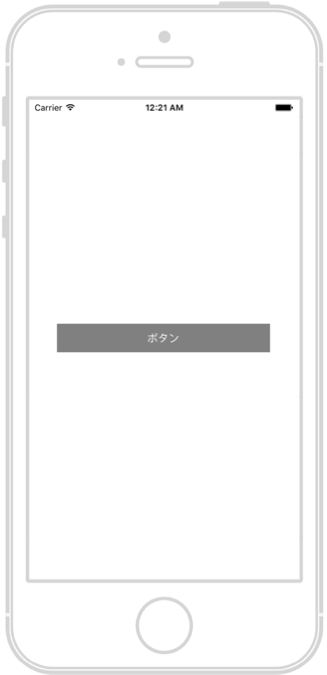
必要最低限のプログラムで指定したUIButton
|
1 2 3 4 5 6 7 8 9 10 11 12 13 14 15 16 17 18 19 20 21 22 23 24 25 26 27 28 29 30 |
import UIKit class ViewController: UIViewController { override func viewDidLoad() { super.viewDidLoad() // Do any additional setup after loading the view, typically from a nib. // ボタンの生成 let button = UIButton(type: UIButtonType.system) // 位置とサイズの指定 button.frame = CGRect(x: 0, y: 0, width: 300, height: 40) // ボタンの位置を中心に設定する button.center = self.view.center // ボタンのタイトルの設定 button.setTitle("ボタン", for: .normal) // 配色の設定 button.backgroundColor = UIColor.gray // ボタンの文字色の設定 button.setTitleColor(UIColor.white, for: .normal) // ボタンの配置 self.view.addSubview(button) } override func didReceiveMemoryWarning() { super.didReceiveMemoryWarning() // Dispose of any resources that can be recreated. } } |
確認
ツール:Xcode version 8.0 (8A218a)
言語:swift3.0
コメントを残す